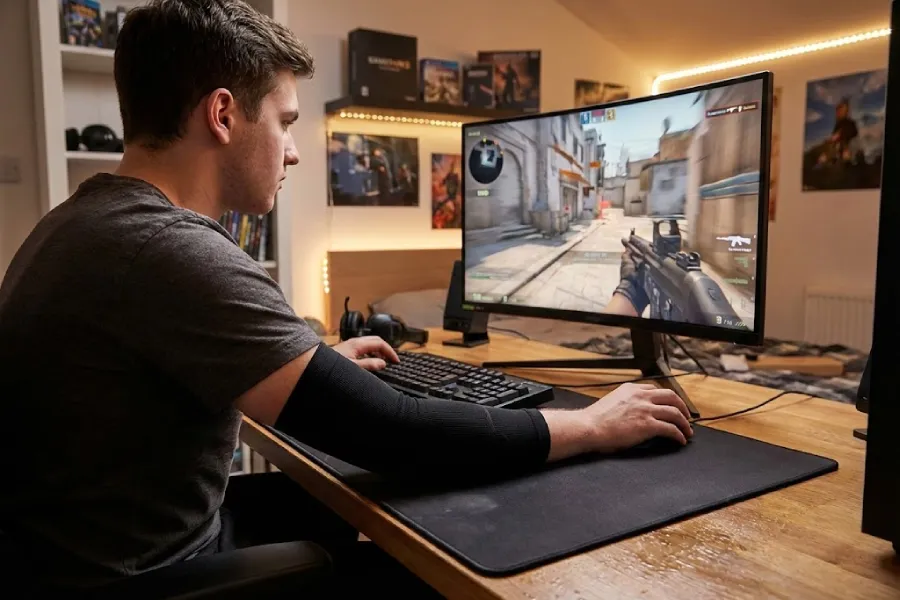
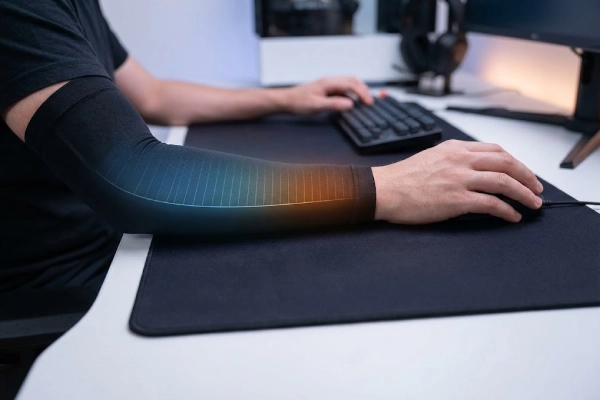
Your aim feels fine—until sweat, heat, or desk drag makes your forearm “stick.” Then every swipe feels different, and you start blaming your mouse or pad.
Most gamers don’t need “medical-grade compression.” They need a consistent glide. Choose a non-compression sleeve for friction + sweat control. Choose a true compression sleeve (with a pressure rating) only if you like a snug wrap and you tolerate pressure well.
Here’s how to pick the right one for your setup—without wasting money on the wrong “compression” label.
Non-medical note: This article is for general product selection and comfort. It’s not medical advice. If you have numbness, circulation issues, nerve conditions, or persistent pain, talk with a qualified clinician.
What does “compression” really mean in a gaming sleeve?
Many “compression” gaming sleeves are just tight sleeves.
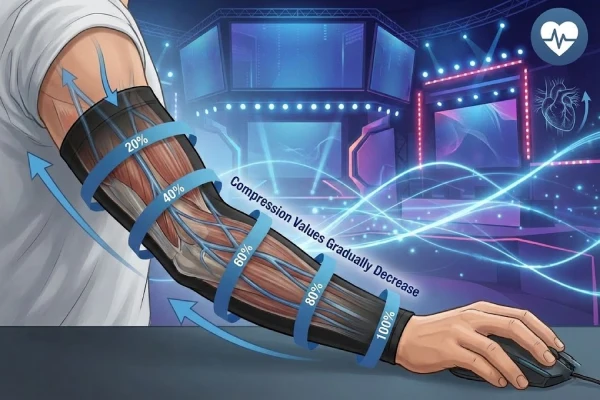
That’s because true compression is measured pressure, often listed as mmHg (millimeters of mercury). If a sleeve has no pressure range, it’s usually “snug fit,” not controlled compression.
Two clear categories help you choose:
- Non-compression / low-pressure gaming sleeve: built for glide consistency, sweat control, and comfort.
- Compression gaming sleeve (pressure-rated or very snug): adds a stronger wrap feel and “held” sensation on the forearm.
Here’s the deal… for esports, the biggest problem is often friction changes. A sleeve that stays consistent when you sweat can matter more than “how tight” it feels.
In real play, “compression” can affect how a sleeve feels on your arm. But it doesn’t automatically mean better aim. If your forearm sticks to the pad, you’re fighting drag, not “lack of compression.” That’s why many players do best with a smooth, stable surface first.
If you’re new to sleeves, it helps to understand the basics of sleeve types and use cases in our main guide on arm sleeves (types, uses, and buying tips).
When is a non-compression gaming sleeve the better choice?
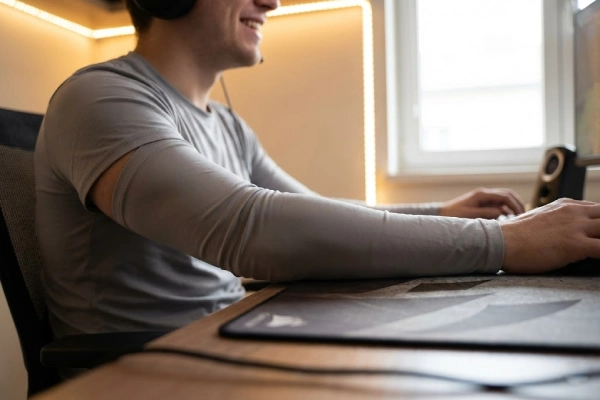
If your goal is consistent glide, non-compression is the safest first buy. It’s the better choice when:
1) Sweat is your main enemy
Your skin-to-pad friction changes fast when you sweat. A sleeve creates a more stable contact surface and can reduce that “sticky” feeling mid-fight.
2) You want comfort for long sessions
Non-compression sleeves usually feel lighter. Less squeeze often means less heat build-up and less distraction.
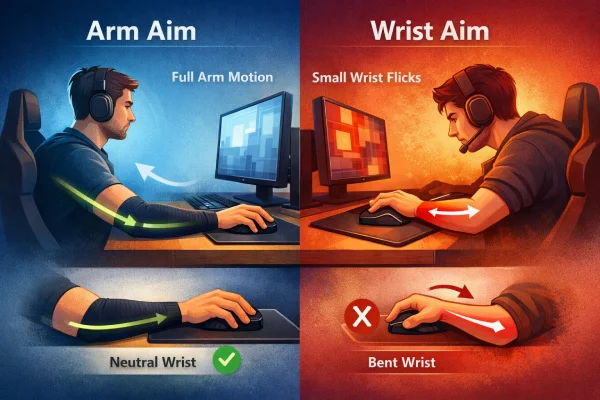
3) You switch posture a lot (arm aim + wrist aim)
A looser sleeve can feel less “binding” when you change grip style, chair height, or desk position.
4) You hate tight sleeves or get tingling easily
Some players are sensitive to pressure. If you’ve ever taken off a tight sleeve and felt pins-and-needles, start with non-compression.
But here’s the kicker… non-compression doesn’t mean “cheap.” It means the sleeve wins through surface behavior (dry and sweaty), not through squeeze.
If you play on hard pads or glass pads, friction consistency becomes even more obvious. This guide on choosing sleeves for glass vs cloth mousepads can help you match surface feel.
When does a compression gaming sleeve make sense?
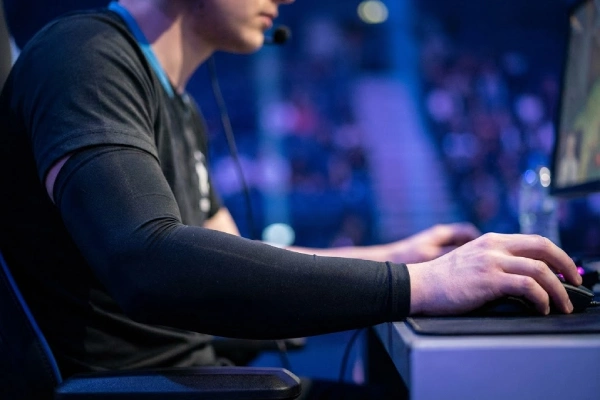
Compression can be useful, but it’s not required. A compression gaming sleeve can make sense if:
1) You like a locked-in, snug forearm feel
Some players focus better when the sleeve feels “secure.” It can reduce the sense of fabric shifting.
2) Your sleeve keeps sliding down
A snug sleeve can stay put better, but sliding is not only about compression. The top band design matters a lot. If sliding is your problem, this article helps.
3) You want more “wrap” during intense practice
Some competitive players prefer the sensation of support during long training blocks. That’s personal preference, not a guarantee of better aim.
You might be wondering… “Will compression improve performance?”
Some players report better control feel. Others feel restricted. For many setups, the sleeve surface and stitching decide consistency more than pressure.
If you do choose compression, aim for comfort first. If you feel numbness, cold fingers, throbbing, or sharp discomfort, stop using it and change size or style. How tight should a compression gaming sleeve be?
A compression gaming sleeve should feel snug, not painful.
Use a simple fit check:
- You should move your wrist and elbow freely.
- Your hand and fingers should stay warm and normal color.
- You should not feel tingling, numbness, or pulsing.
The truth is… if your sleeve helps glide but causes pressure discomfort, it’s the wrong sleeve for gaming. Discomfort ruins focus faster than drag ever will.
If you want a straightforward fit test, this guide helps you judge tightness without guessing. And if your problem is sizing in general (length, measuring points, fit basics), start here.
What matters more for the aim: compression or surface friction?
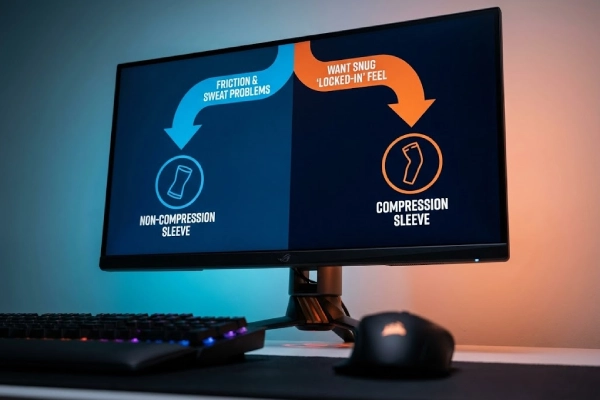
For most gamers, surface friction wins.
That’s because your mousepad contact is a physics problem:
- Dry glide can feel smooth.
- Add sweat, and the same fabric can feel sticky.
- Add seams or rough edges, and you get “random drag spikes.”
Here’s what most people miss… a sleeve can feel great for 10 minutes and then feel totally different after you warm up.
What to prioritize for consistent aim:
- Stable glide when damp (not just “smooth when dry”)
- Low-friction stitching that won’t scrape the pad
- No harsh edge near the wrist where it touches the pad
- Durability so the surface doesn’t get rough after washing
Material names matter less than people think. Nylon, spandex, and blends can all work if the knitting and finish are right. If you want a clear breakdown of common sleeve materials (and what they really do), see our latest article here. Also, if you’re deciding between a sleeve and regular clothing, this comparison is useful.
Quick decision guide: compression vs non-compression
If you want one simple rule: solve friction first, then try compression if you still want a snug feel.
| Your situation | Better choice | Why it helps |
|---|---|---|
| Forearm sticks when you sweat | Non-compression | Better comfort and more stable glide surface |
| Glass or hard pad feels “too sensitive” to drag changes | Non-compression | Reduces skin-to-pad friction swings |
| Sleeve slides down constantly | Either, but focus on top band design | Sliding is often a grip-band issue, not “more squeeze” |
| You want a locked-in wrap feel | Compression | Adds snug sensation and reduces shifting |
| Long sessions, heat bothers you | Non-compression | Less pressure usually feels cooler |
| Tingling/numbness happens easily | Non-compression | Avoid pressure discomfort and distraction |
So what does this mean for you?
Buy the sleeve that fixes your biggest problem:
- If it’s sweat + sticking, start non-compression.
- If it’s you want snug wrap, try compression, but keep comfort first.
Conclusion
Non-compression sleeves solve most gaming problems: sweat, sticking, and inconsistent glide. Choose compression only if you prefer a snug wrap feel and it stays comfortable for long sessions.
FAQs
What’s the difference between a “tight” gaming sleeve and true compression?
True compression is defined by measurable pressure, often shown as a range in mmHg. Many gaming sleeves are simply snug fabric without pressure rating. If you want real compression, look for stated pressure and consistent sizing.
Should I choose compression or non-compression for long ranked sessions?
For long sessions, most players prefer non-compression because it stays comfortable as your arm warms up and sweats. Compression can feel “locked-in,” but it may increase heat or pressure discomfort. Comfort usually improves consistency over hours.
Can a compression sleeve cause numbness while gaming?
Yes. If a sleeve is too tight, prolonged pressure may cause tingling, numbness, cold fingers, or a strong “ring” mark. Stop using it, size up, or switch to non-compression. Comfort is the priority for focus and control.
Does a sleeve help more for low sensitivity (arm aim) players?
Often yes, because arm aim creates more forearm contact and longer swipes, so friction changes feel bigger. Players in FPS communities commonly treat sleeves as a drag-control tool. A stable surface can reduce “random” resistance during tracking.
Why do some sleeves feel worse on cloth pads than on hard pads?
On cloth pads, raised textures, seams, or printed patterns can create micro-drag that you feel immediately. Some sleeves glide well on hard pads but feel “scratchy” on cloth because the fabric catches the weave. Smooth surfaces and flat seams help.
If I mainly want glide, should I avoid heavy compression?
Usually, yes. Glide depends more on surface finish, stitching, and how the fabric behaves when damp than on squeeze. Heavy compression can add heat and distraction. A light, smooth, non-compression sleeve often delivers steadier pad contact.
Should I get a thumb hole/loop style for gaming?
Thumb-hole or finger-loop designs can prevent the sleeve from creeping up and keep the wrist edge stable on the mousepad. However, they can feel restrictive for some grips. If you notice wrist-edge drag shifts, these styles are worth trying.